
Research checked October 16, 2026. Research-based, not hands-on tested. Linked product reviews contain affiliate links. Affiliate disclosure and image credits.
Quick answer
A larger power bank is useful only if you need its extra reserve and will actually carry it. Before choosing between 10,000 and 20,000 mAh, answer two questions: what needs charging, and how long will you be away from an outlet? Then check charging compatibility separately. A large battery does not automatically charge a laptop, and a high-wattage label does not promise that power from every port.
This is a research-based buying guide using manufacturer specifications, not a battery endurance test. There is no universal winner between these capacities.
Start with your charging gap
Think about the part of your day the power bank must cover. Is it an emergency phone top-up before the train home, a tablet during a long journey, or several devices between overnight charging stops? Those are different jobs.
A 10,000 mAh unit is worth considering when a smaller carry item matters more than maximum reserve. A 20,000 mAh unit becomes more attractive when you routinely finish a smaller bank, share with another person, or cannot recharge frequently. Compare actual dimensions and weight rather than assuming every 10K model is pocket-friendly or every 20K is bulky.
Do not calculate guaranteed phone charges by dividing the bank’s advertised mAh by your phone battery’s mAh. Conversion losses, operating conditions and use while charging affect the result. Source: Anker’s capacity guide discusses these tradeoffs; its broad charge-count estimates are not a test of your device combination.
For laptops, check the port before the capacity
Find your laptop manufacturer’s charging requirements and confirm that the particular USB-C port accepts charging. Next compare the bank’s supported USB-C Power Delivery output with the laptop’s needs. A connector that fits is not sufficient evidence.
Anker’s A1383 is a useful illustration: it is marketed as a 20K, 87W power bank, but its official specifications list up to 65W through the USB-C cable or port, with 87W describing combined output. It is not an 87W single-port laptop charger. Source: Official A1383 specifications.
If you want to use the laptop while charging, account for that workload. Do not assume a bank that slows battery drain will recharge the machine quickly during demanding work.
Check simultaneous charging and recharge input
List the devices you expect to connect together. Look for the manufacturer’s multi-port allocation rather than adding the individual port maximums. Those maxima may apply only when a port is used alone.
Also check input power: this determines the bank’s own charging capability, not its output to your phone. If you have only a short window at an outlet, the bank, wall adapter and cable must support the intended recharge setup. An advertised fast recharge time may require an adapter not included in the box.
Built-in cable or replaceable cable?
An integrated cable means one less loose item. It also introduces a practical question: if that cable is damaged, can you still use a separate output port? Check cable length and connector fit with your device case.
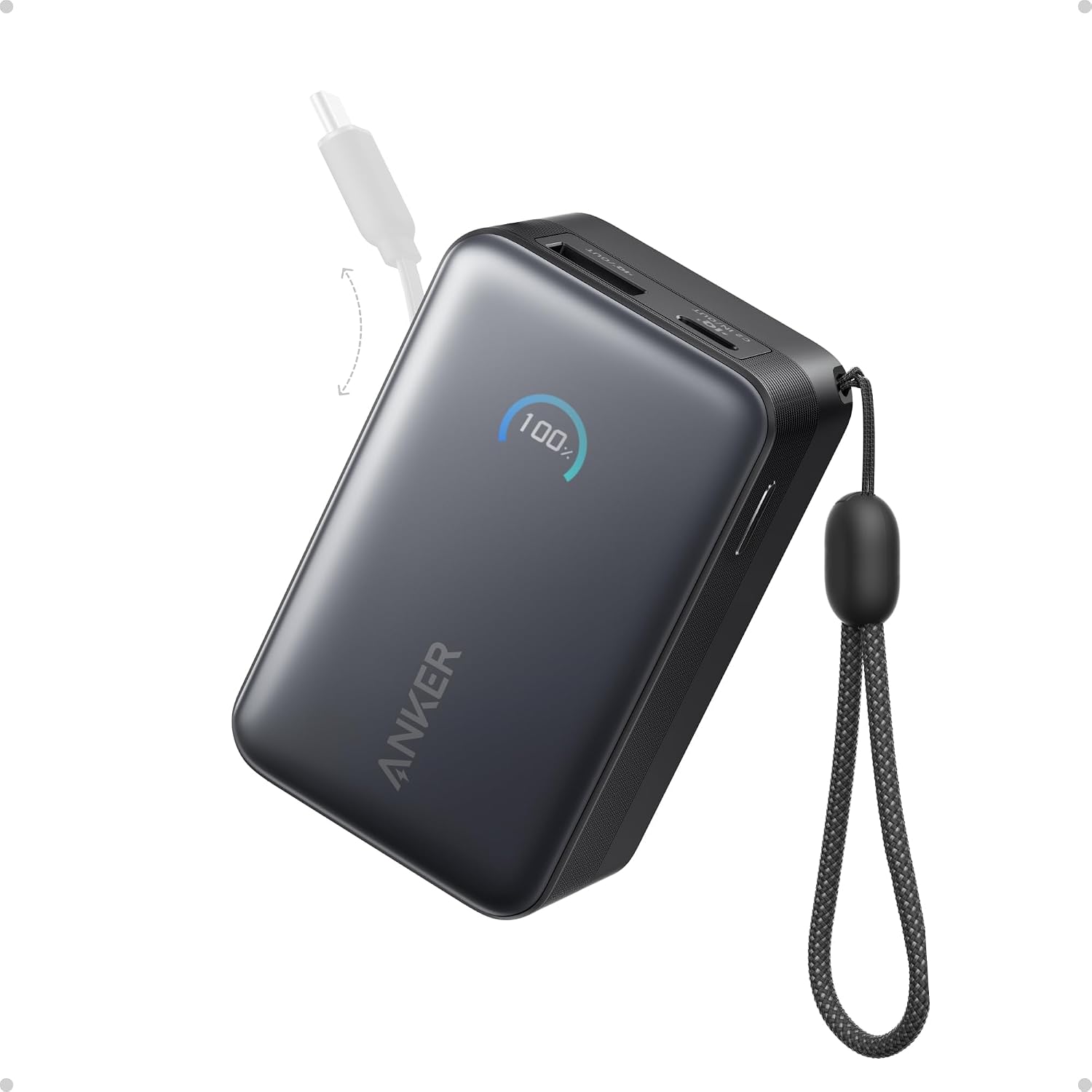
The Anker Nano A1638 demonstrates why model numbers matter. Its official support page identifies a 10,000 mAh model with a retractable USB-C cable and up to 45W USB-C output. That does not make every “Nano 10K” listing equivalent. Source: Official A1638 information.
Before buying
- Write down devices, charging ports and required protocols.
- Compare single-port and shared output separately.
- Check weight, dimensions, input rating and included accessories.
- Verify the exact model, not just capacity and brand.
- If flying, check the battery’s Wh label and the current airline rules before packing.
Choose the smallest bank that realistically covers your charging gap, with output compatible with your devices. Buy extra capacity for a known need, not because a bigger number appears automatically better.
Common questions
Does 20,000 mAh charge faster than 10,000 mAh?
Not necessarily. Capacity and supported output power are separate specifications. Compare the device’s charging protocol and the bank’s output for the port you will use.
Is an 87W power bank an 87W laptop charger?
Not automatically. For the A1383 example, 87W is combined output and the documented USB-C maximum is 65W. Read the exact model’s allocation.
Should I replace a working smaller power bank?
Only if you have identified a real shortfall in reserve, compatibility, charging speed or practical carry needs. More capacity is not useful if the additional bulk means leaving it at home.
Related buying research
For the model pictured, our Anker Nano A1638 review separates the retractable cable, output and carrying considerations.