
Research checked October 16, 2026. Research-based, not hands-on tested. Linked product reviews contain affiliate links. Affiliate disclosure and image credits.
Quick answer
A smart plug that works with your preferred home app does not necessarily measure electricity use. A plug that shows energy use in its own app does not necessarily expose that information in every other platform. Treat switching, ecosystem compatibility and energy reporting as separate buying requirements.
This guide focuses on the US models and official documentation. It is a research-based comparison, not a reliability or electrical-meter accuracy test. Product names alone are not enough because regional versions can differ.
Start with the outcome
Do you want a lamp on a schedule, control through an existing smart-home platform, or information about an appliance’s consumption? Write down the required outcome before comparing multipack prices.
If you simply want scheduled switching, avoid paying for features you will never configure. If energy tracking is the point, look for explicit metering support rather than assuming all connected plugs report it. If a particular platform is essential, verify that exact integration and any controller requirements before buying.
P125M and P115 illustrate the difference
TP-Link’s US P125M page lists Matter certification, supported platforms and switching features. The retrieved V1.20 page does not list energy monitoring. The US P115 page explicitly lists energy monitoring, including electricity-rate input for cost estimates. Source: US P125M; Source: US P115.
That makes the model name and feature list more useful than a broad “smart plug” label. It does not establish that one is universally better. Choose according to what you need and verify the current regional listing for the unit being sold.
There is a particularly important regional trap here: TP-Link’s Italian P125M page advertises energy monitoring. That is not evidence that the US P125M has the same feature. Source: Italian P125M page. Check the country, hardware revision and plug format together.
Matter does not mean Thread
The US P125M specifications list 2.4 GHz Wi-Fi and Bluetooth for setup. Do not buy it expecting a Thread device merely because it carries the Matter label. Network transport and smart-home compatibility are different questions.
Check your network setup and the requirements of the platform you intend to use. “Works with” marketing is not a substitute for reading the current setup instructions. Also distinguish local control from remote access: a statement about operation within your home network does not promise away-from-home control during an internet outage.
Where will you view the energy data?
If your goal is a single dashboard, verify that the exact model and firmware expose energy readings in that dashboard. Seeing consumption in the manufacturer’s app does not prove that your Matter controller displays it.
TP-Link’s official Matter discussion describes energy-reporting updates for selected models, illustrating why firmware and platform support matter. Source: TP-Link Matter information. Avoid assuming every plug bearing an “M” suffix shares every feature.
Treat bill estimates as estimates based on the entered rate and recorded consumption, not a guarantee of utility-bill accuracy or savings. Measuring a load does not itself reduce it.
Check the appliance, not just the maximum wattage
An electrical load rating is not permission to control any appliance below that headline number. Load type and the appliance manufacturer’s instructions matter. Confirm that external switching and the intended use are permitted; do not turn a basic buying guide into advice to automate unattended heating appliances.
Also ask what the appliance does after power is restored. A device with an electronic button may not resume the desired function merely because the plug switches on. That can make an otherwise compatible smart plug unsuitable for your intended routine.
Buy one before committing to a multipack
Verify model, country, hardware revision, network, platform and required metering features. Then confirm outlet clearance and the appliance instructions. If your planned setup is unproven, one correctly chosen plug is a more useful first purchase than a bargain multipack of the wrong version.
Common questions
Does every Matter plug report electricity use?
No. Check explicit metering specifications and whether the readings appear in the platform you plan to use. Switching support and energy reporting are different requirements.
Does P125M have energy monitoring?
The retrieved US V1.20 page does not list it; the Italian page does. Use the exact country and hardware-version documentation, not a global answer based on the model name.
Will a smart plug make an appliance start automatically?
Not necessarily. Some appliances require their own button after power is restored. Check the appliance’s behavior and instructions, including whether external switching is permitted.
Related buying research
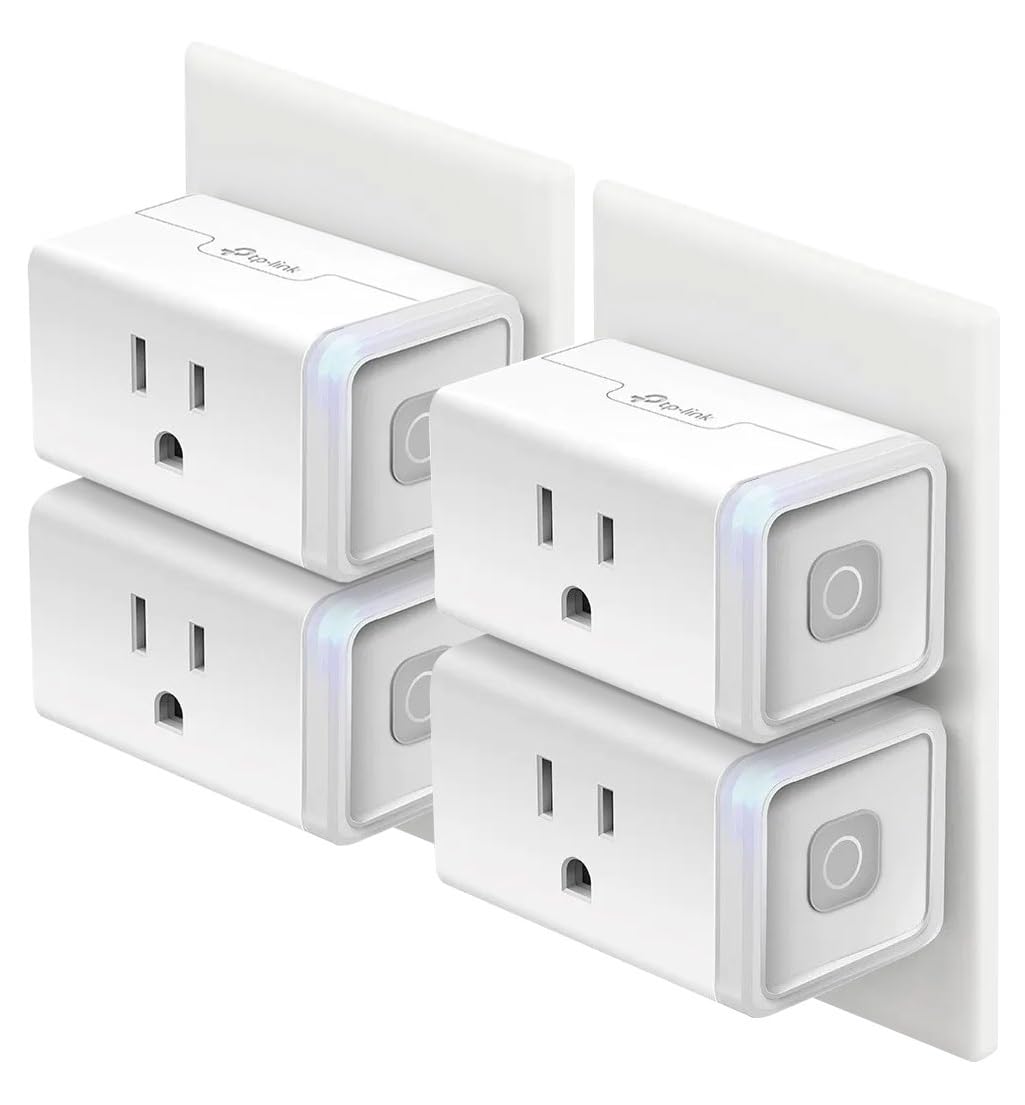
Our Kasa HS103 four-pack review covers the pictured product separately; it is not a substitute specification for either Tapo model. For another connected-home buying decision, see local versus remote leak alerts.