
Research checked October 16, 2026. Research-based, not hands-on tested. Linked product reviews contain affiliate links. Affiliate disclosure and image credits.
Quick answer
The important difference between a standalone label maker and a phone-connected model is how you want to make the next label. If the job is “type a drawer name and print,” a built-in keyboard can keep it simple. If you want to compose labels on a familiar phone screen, an app-based printer may suit you better.
Start with that workflow, then check tape compatibility. The cheapest printer is not necessarily the least expensive system once you include suitable labels and power accessories. This guide uses official product information, not hands-on print or durability testing.
Choose your typing workflow
Brother’s PT-D220 has a QWERTY keyboard and does not offer mobile-app printing. Brother’s P-touch CUBE PT-P300BT is keyboard-less and uses a phone or tablet with its supported app and Bluetooth connection. Both are examples of home tape labelers, not general-purpose shipping printers. Source: PT-D220 specifications; Source: PT-P300BT specifications.
A standalone model can be appealing when several people need occasional labels without pairing their phones. An app model can be appealing if you prefer composing text on a phone and keeping designs there. Neither approach is automatically faster for every household.
Before ordering an app-based model, check current compatibility with your operating system and whether you are comfortable installing the required app. For a shared space, think about who will make labels when the usual phone is not available.
Buy the label system, not just the machine
“Brother tape” is not a complete compatibility description. Brother sells several supply families, including TZe tapes, DK rolls and others. Check both the tape family and supported width for the exact printer. Source: Official tape catalog.
For the two models above, Brother specifies TZe tapes up to 12 mm wide. That width is the physical tape width, not a promise that every millimeter becomes printable text. If your goal is a large, easy-to-read storage-bin label, inspect print-height and layout limits before buying a compact labeler.
Compare refill cost using the actual width and roll length you need. A multipack is not automatically a bargain if it contains unsuitable colors or adhesive types.
Match the tape to the surface
Write down where the label will go: smooth storage bin, cable, fabric or something else. Then select a tape rated for that application. A standard adhesive suitable for one surface should not be assumed suitable for every texture or finish.
Durability and removability are different goals. A strong adhesive might be helpful on a frequently handled object but undesirable on a delicate finish. Follow the tape instructions and test a discreet area when appearance matters. Do not promise damage-free removal because a label is intended for home organization.
Laminated tape can be useful where exposure matters, but avoid treating a general water-resistance claim as permission to put any labeled item through a dishwasher. Check the particular tape and item instructions.
Check what powers it
Brother lists six AAA batteries or an optional AC adapter for the PT-D220, with neither included. The PT-P300BT listing includes an AC adapter and also supports AAA batteries. Box contents can change by bundle, so inspect the exact offer rather than budgeting from a bare printer price.
Think about where the labeler will live. A drawer-stored tool needs a different power routine from one permanently set up beside a workstation. Include the required power accessories in your comparison.
Do you need a labeler at all?
For a handful of temporary labels, handwriting on suitable labels may be sufficient. A dedicated tape printer earns its place when you repeatedly need legible, consistent labels and compatible refills are easy to obtain.
Choose a keyboard model if self-contained operation is your priority. Choose a phone-connected model if you actively prefer that design workflow. In either case, verify tape family, width, surface suitability, power and included starter supplies before ordering. If the real job is 4-by-6-inch shipping labels, shop for that printer category instead.
Common questions
Do these models print shipping labels?
The discussed models use narrow TZe tape, with supported widths through 12 mm. They are not replacements for a printer intended for 4-by-6-inch shipping labels.
Are all Brother label tapes interchangeable?
No. Verify the exact supply family and width supported by the printer; the brand name alone is insufficient.
Is the phone-connected model always easier?
Only if you prefer the phone/app workflow and have a compatible device. A standalone keyboard may be simpler for occasional shared use without pairing.
Related buying research
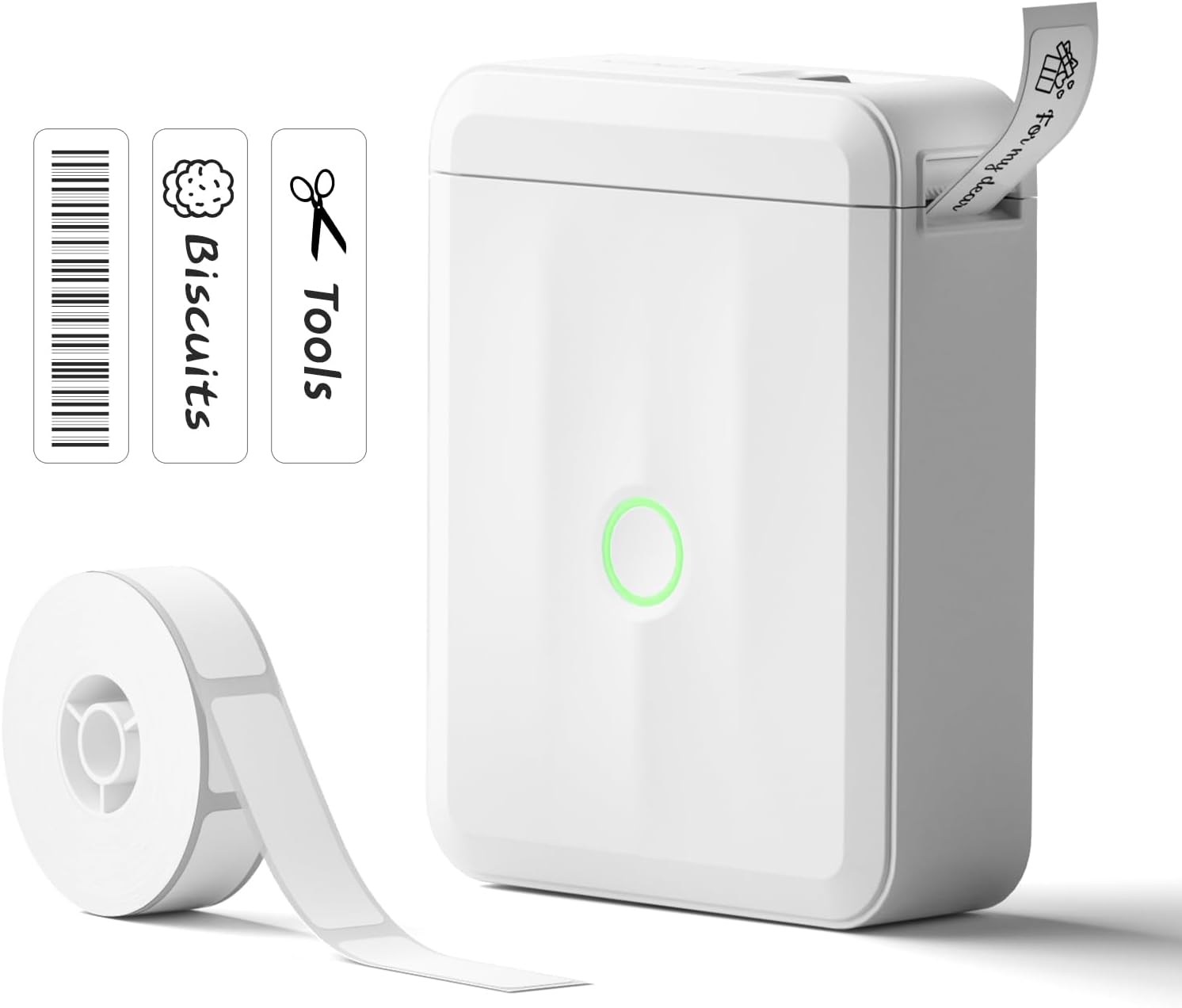
For a different phone-connected example, our NIIMBOT D110 Upgrade review covers the pictured labeler and its own supply system. For parcel workflows rather than narrow home labels, use our Whatnot seller-supplies guide.