
Verdict: useful when you can name your shortcuts
The Elgato Stream Deck Neo makes sense for someone who repeatedly performs the same computer actions and wants labeled physical buttons within reach. Eight LCD keys can form a useful personal control panel. The important purchase question is whether your applications, permissions and habits support the shortcuts you plan to assign.
We recommend planning the first page before buying: identify eight actions you use often enough to justify desk space. If your routine is already comfortable with keyboard shortcuts, a controller may add little. This is a research-based review; we have not timed task completion or tested key durability.
Sources: Elgato Neo specifications and current system requirements.
Facts: eight keys, a fixed cable and required software
This article covers the white Stream Deck Neo sold as ASIN B0CVY4566H. Elgato lists SKU 10GBJ9901; Amazon also uses model field 20GBJ9901. These identify the Neo, rather than the six-key Mini, fifteen-key models or dial-equipped Stream Deck +.
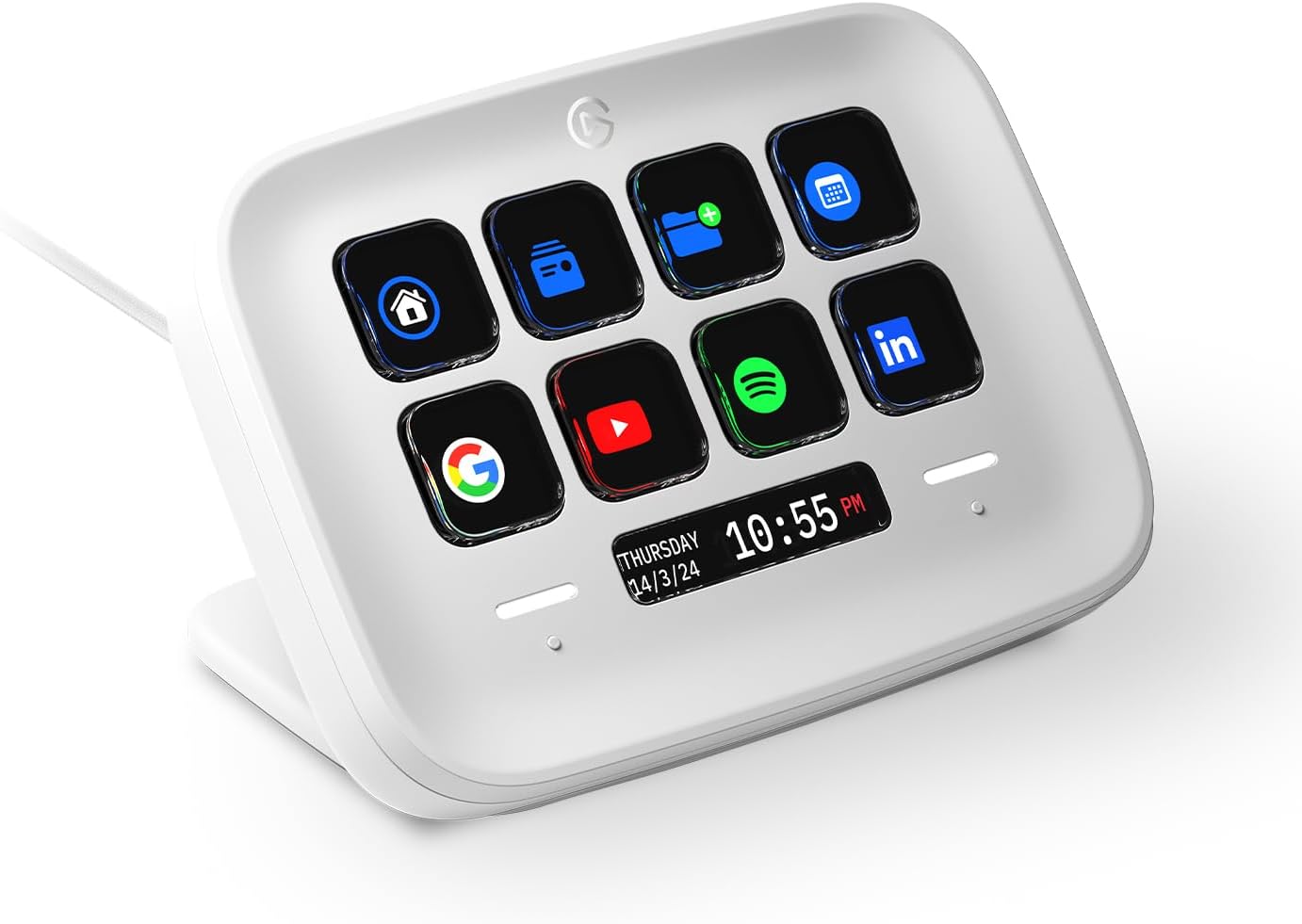
Neo has eight customizable LCD keys, two Touch Points, a small Infobar display and an integrated three-position stand. Its fixed USB-C cable is 0.9 m long. Elgato’s current requirements are Windows 11 or later, or macOS 13 or later, with USB 2.0 Type-C and the Stream Deck app. Older retailer graphics can show earlier operating-system minimums.
| Reviewed variant | White Stream Deck Neo; ASIN B0CVY4566H |
|---|---|
| Physical keys | Eight customizable LCD keys |
| Connection | Fixed 0.9 m USB-C cable |
| Current manufacturer OS minimums | Windows 11 / macOS 13 |
| Stand | Integrated; three positions |
Sources: Elgato Neo specifications and current system requirements, Amazon exact white Neo listing.
Features: pages extend the small control surface
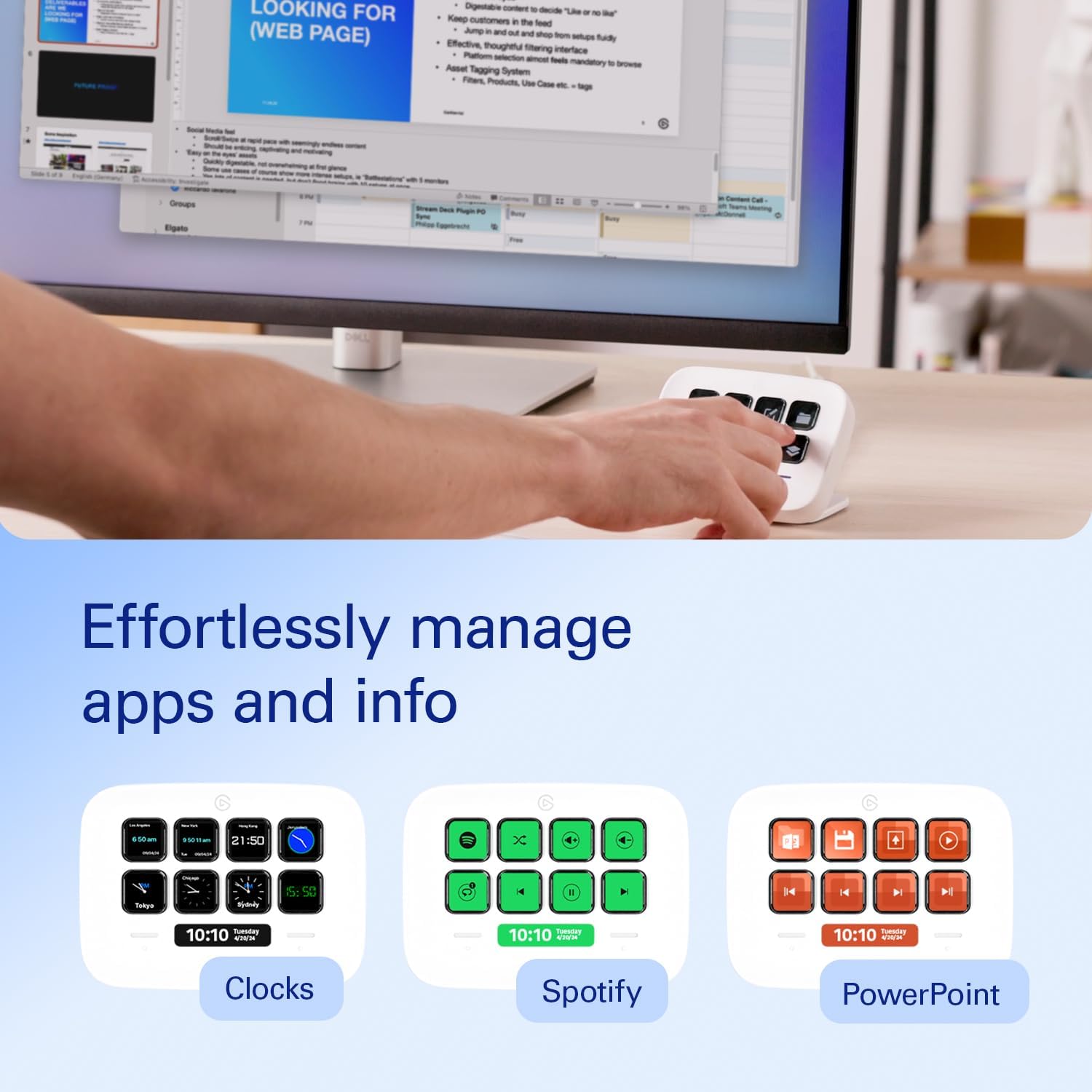
The quick-start guide has you install the app, connect the controller and drag actions onto keys. The Touch Points turn pages, while folders group additional actions. That expands the number of available commands without adding physical keys, although a command on another page takes more navigation than one directly in front of you.
A Multi Action combines several configured steps on one key, with delays where needed. Our suggested starting point is a harmless routine such as opening a work folder and a familiar app. Verify each step before combining them. A chain that depends on application focus or loading time deserves more care than a single launch shortcut.
The Infobar has become more useful than early reviews imply. Elgato’s September 22, 2026 guide documents Stream Deck 7.6 support for Infobar actions, including information such as music playback or weather through suitable integrations. Confirm software and plugin support for your intended display. This is a software capability, not evidence of a new Neo hardware generation.
Sources: Elgato Neo quick-start guide, Elgato Multi Actions guide, Elgato Infobar actions update, September 22, 2026.
Research: current documentation beats old shopping graphics
Our evidence combines the current manufacturer specifications, setup instructions and software guides with the exact Amazon variant. The August 7, 2024 Slickdeals discussion is dated shopping-community interest. Its historical offer does not establish today’s price, availability or social virality.
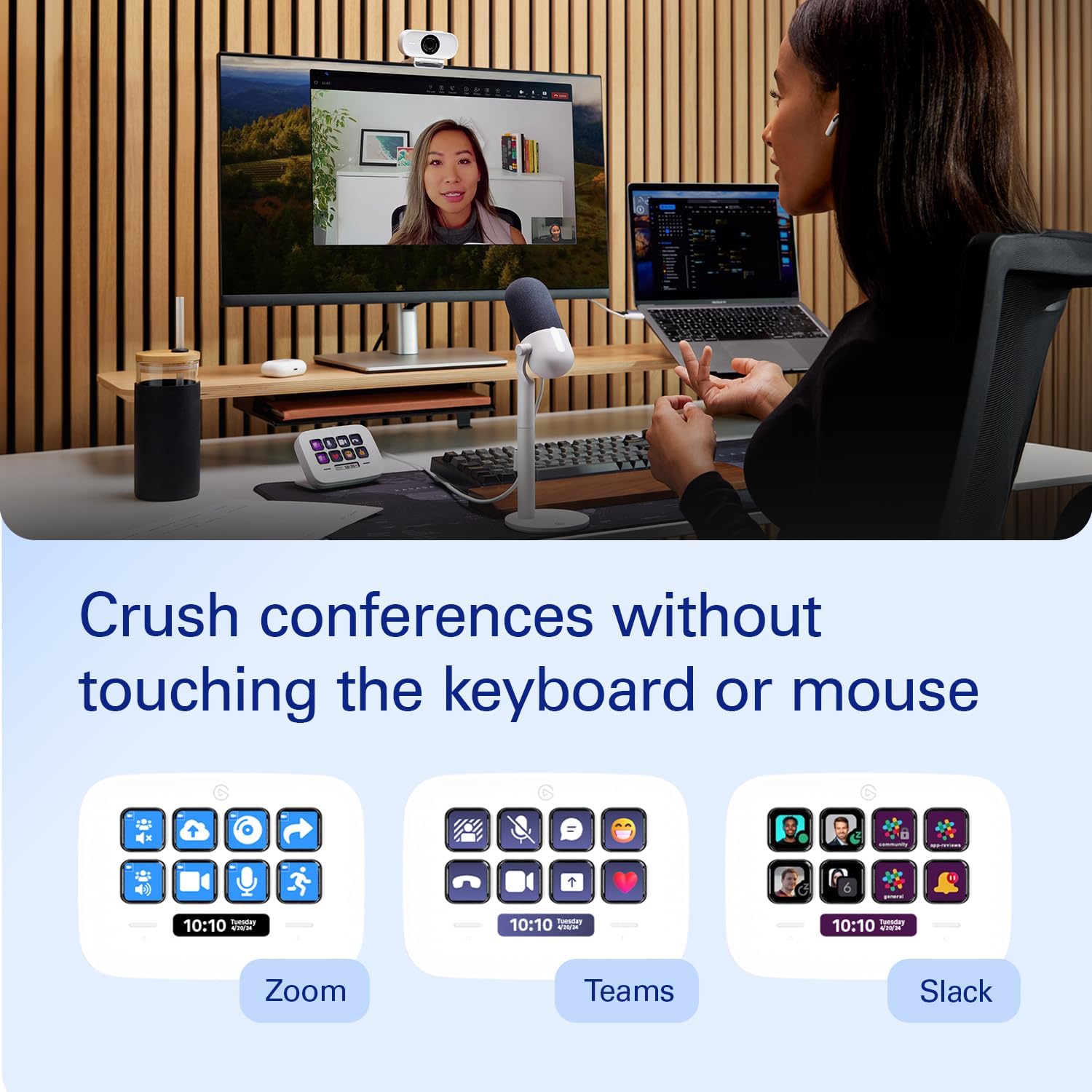
Images of conference apps and music controls illustrate possible arrangements, not a promise that every application works identically on Windows and macOS. Investigate the particular plugin, app version and account requirements that matter to you. Company-managed computers may prohibit the app or third-party plugins even when the hardware connection is suitable.
For an occasional action, reaching for a mouse or learning a shortcut may be simpler. Neo becomes more persuasive when you want visible labels and repeatedly reuse a stable layout. Someone who needs many controls visible at once should compare physical key counts before assuming pages are an equivalent replacement.
Sources: Elgato Neo specifications and current system requirements, Elgato Neo quick-start guide, Slickdeals Neo post, August 7, 2024.
Safety and care: macros deserve a review
Treat the controller as a wired desktop electronic device. Keep drinks away, leave slack in the fixed cable and avoid routing it where a snag could pull the unit off the desk. Disconnect it before cleaning and follow the supplied care instructions; do not spray liquid into keys or openings.
Review downloaded profiles and plugins before granting access. A shortcut does not bypass normal application permissions. Avoid putting irreversible deletion, a live broadcast or an external message on an easily confused button without a deliberate safeguard. Test meeting controls before a real call, and verify mute status in the meeting app.
Keep a backup of a layout you rely on before major changes. This is practical workflow advice rather than a guarantee that an update will preserve every integration or that a sequence always finishes successfully.
Sources: Elgato Neo quick-start guide, Elgato Multi Actions guide.
Buying: check the computer before the controller
Check the operating system, software-installation policy, USB connection and cable reach first. Then confirm the availability and cost of any plugin or profile you actually need. Decorative icon packs are different from the underlying function, and optional marketplace content may carry separate terms.
Compare the final total, seller, shipping and returns for the exact Neo listing. This review promises neither a current deal nor live stock. Choose a larger control surface only if simultaneously visible buttons matter enough to you; do not pay for a more complicated device solely because a promotional layout looks impressive.
Sources: Amazon exact white Neo listing, Elgato Neo specifications and current system requirements.
Related buying research
Compare a dedicated shortcut pad with a general keyboard’s input and software requirements.
Questions: practical Neo answers
Does Neo work wirelessly?
No. This model connects by its fixed USB-C cable and uses desktop software.
Are eight keys the maximum number of actions?
No. Pages and folders expose additional layouts, but only eight physical keys are available at once.
Is the Infobar only a clock?
No. Stream Deck 7.6 introduced Infobar actions; supported plugins can show other information.
Can I use it without installing anything?
The official setup requires the Stream Deck app. Confirm installation permission on a work computer before buying.
Sources: Elgato Neo specifications and current system requirements, Elgato Neo quick-start guide, Elgato Infobar actions update, September 22, 2026, Elgato Multi Actions guide.
Sources and limitations
Research checked October 11, 2026. We checked the exact product identity against the primary sources below. Published specifications and seller imagery are not independent performance tests.
Sources: Elgato Neo specifications and current system requirements, Elgato Neo quick-start guide, Amazon exact white Neo listing, Elgato Multi Actions guide, Elgato Infobar actions update, September 22, 2026, Slickdeals Neo post, August 7, 2024.
Four genuine source images show the reviewed product and supplier demonstrations. Embedded claims are source marketing rather than our measured results; props and other devices are not included unless expressly listed. Public-use image licensing remains unverified. Image-use disclosure.
Is this a hands-on review?
No. We have not measured performance, handling or durability. Product-specific evidence limits appear in the Research section.
Are these affiliate links?
Purchases through our retailer links may earn a commission. Disclosure and reader-rating privacy.
Image sources and context
- The reviewed white Neo. Example icons do not mean the pictured services are included. Image provenance: m.media-amazon.com
- Brand demonstration of meeting controls. Plugin and operating-system support must be checked separately. Image provenance: m.media-amazon.com
- Pages can organize different tasks. Screens are promotional examples rather than a universal compatibility promise. Image provenance: m.media-amazon.com
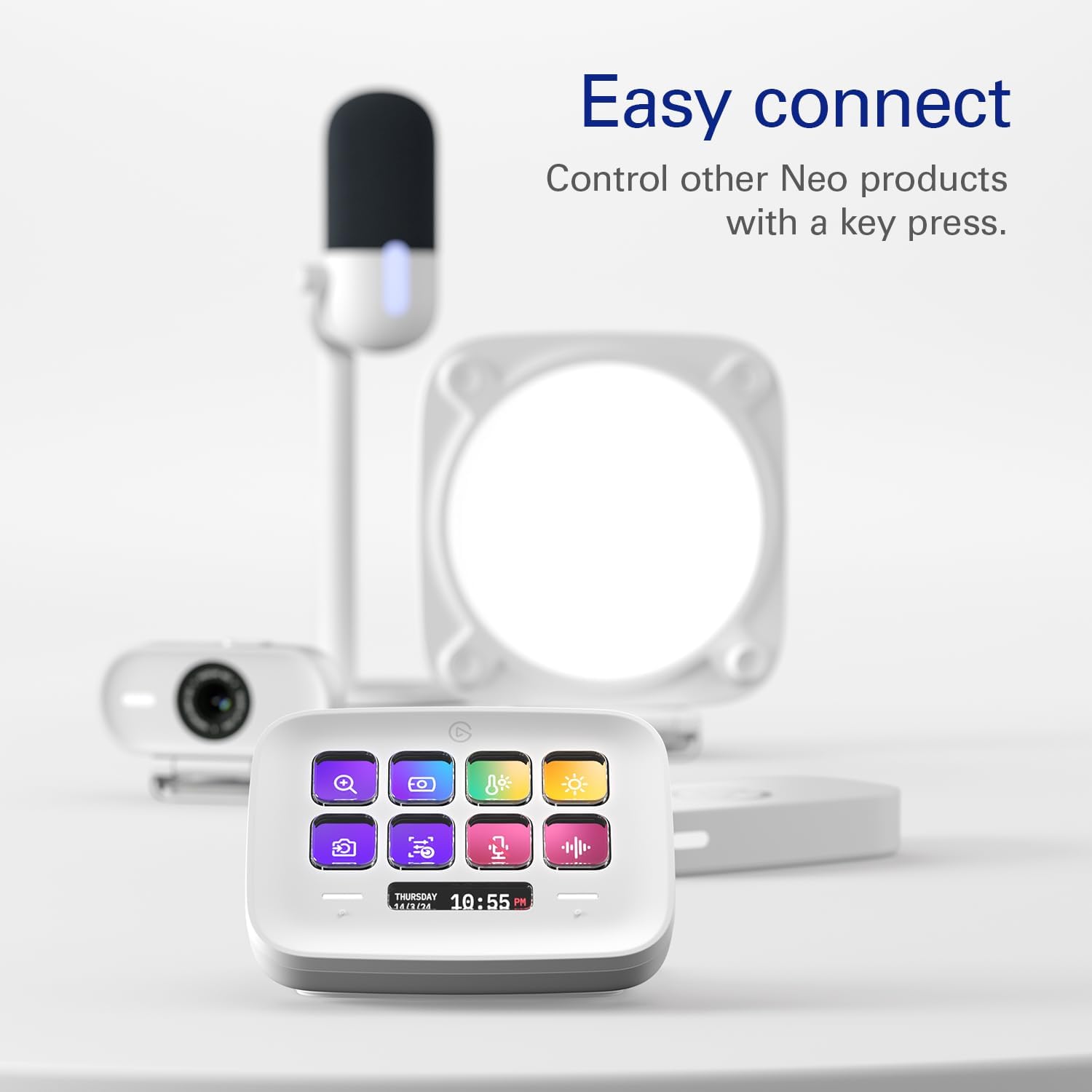
- Other desk devices are shown as context and are not included in this controller purchase. Image provenance: m.media-amazon.com