
Verdict: buy for hand fit first
Logitech Lift is worth considering if you want a compact vertical mouse for everyday computer work and have small-to-medium hands. Its appeal is the change in grip, combined with familiar scrolling and navigation controls. A return policy matters more than an ergonomic label: a shape that looks comfortable can still feel wrong for your fingers or desk.
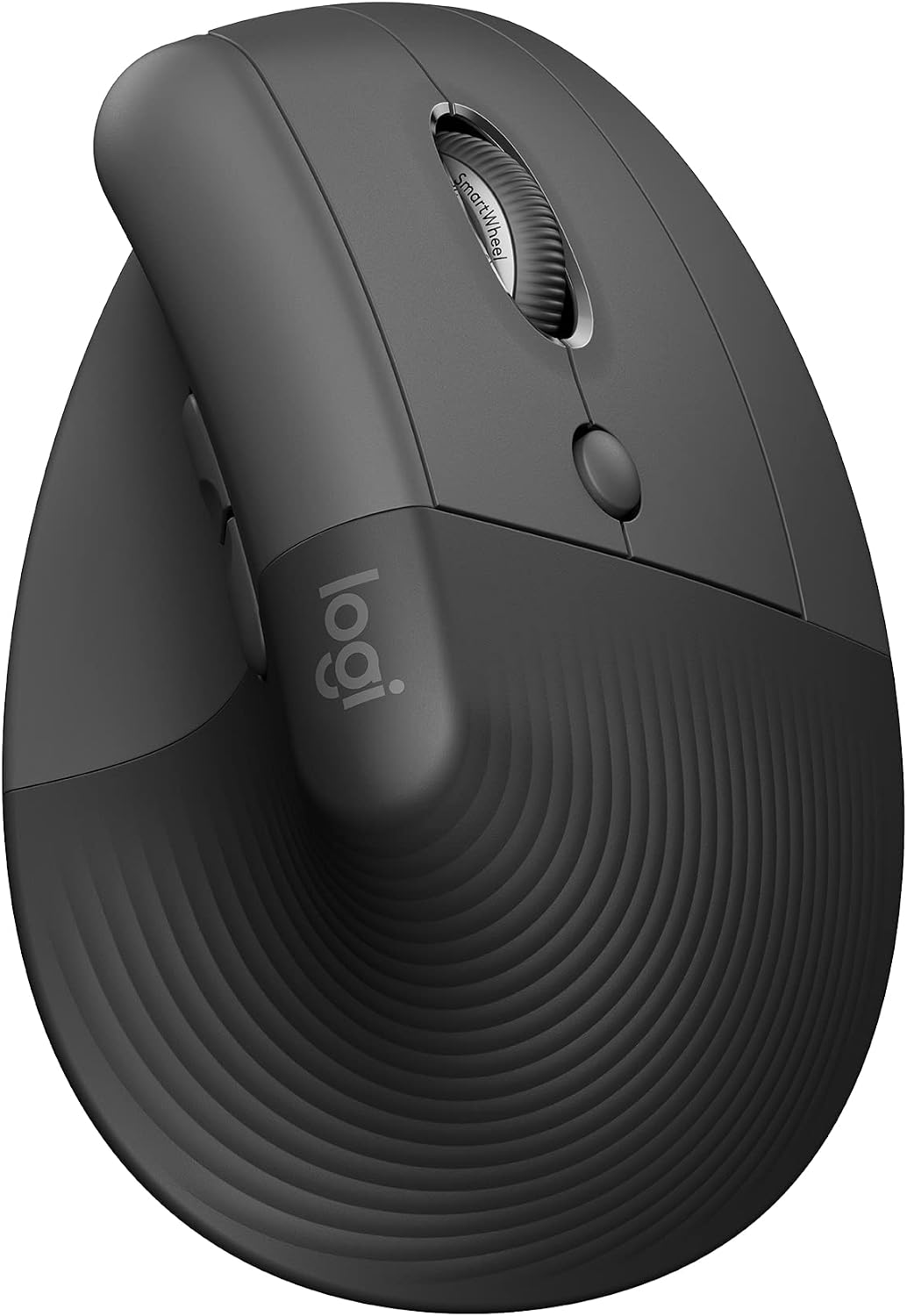
This review covers the right-handed Graphite mouse, model 910-006466. It is a research-based assessment, not a hands-on comfort or durability test. Lift is best approached as a different input tool to try, without expecting it to treat pain or make a poorly arranged workstation comfortable by itself.
Sources: Logitech Lift product and fit guidance, Amazon exact Graphite right-handed variant.
Facts: the right-handed Graphite Lift
Amazon identifies ASIN B09J1TB35S with the Graphite right-handed model. Lift Left and Lift for Mac are separate selections, and MX Vertical is a different, larger product. Check the chosen option rather than relying on a shared listing title.
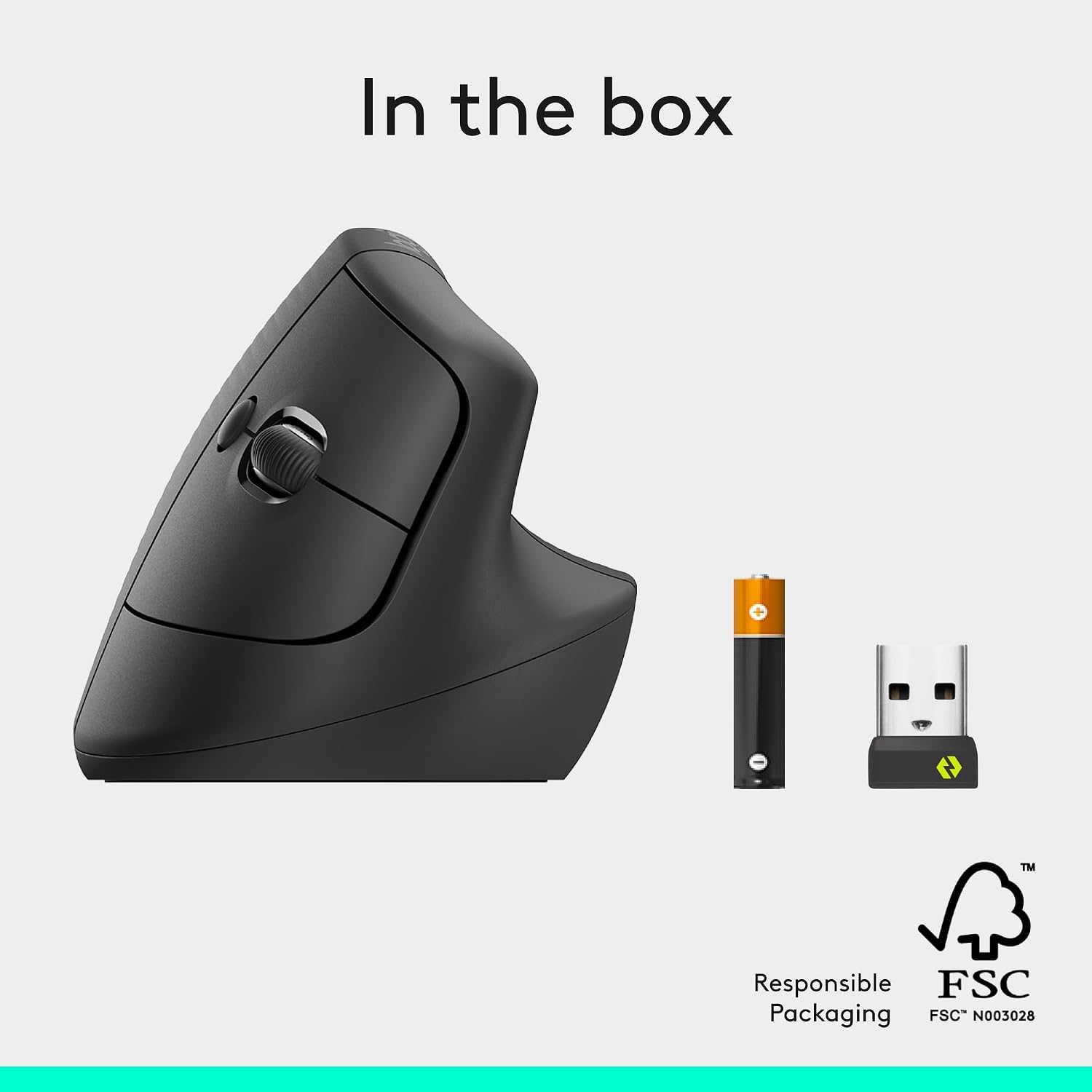
Lift uses one replaceable AA battery. Logitech advertises up to 24 months of battery life, which is a conditional manufacturer estimate rather than our measured runtime. There is no USB charging routine. The included wireless receiver is Logi Bolt with a USB-A plug; it is not a Unifying or USB-C receiver.
| Variant | Graphite, right-handed; 910-006466 |
|---|---|
| Connection | Bluetooth Low Energy or included Logi Bolt USB-A receiver |
| Power | One AA battery |
| Device switching | Up to three paired devices |
| Intended hand size | Small to medium |
Sources: Amazon exact Graphite right-handed variant, Logitech Lift getting-started guide.
Features: useful controls without an oversized body
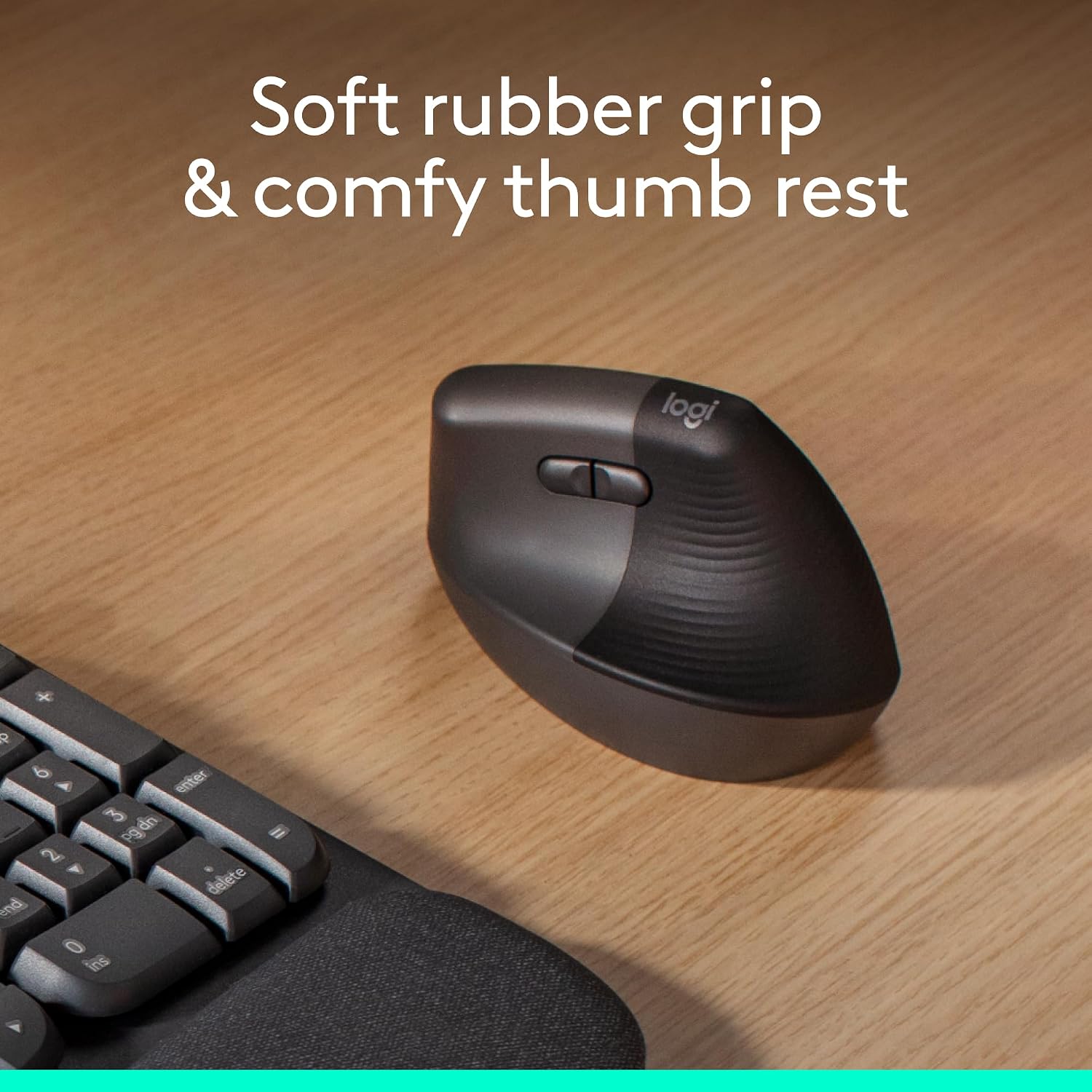
The 57-degree body places your hand in a more upright orientation. A textured grip and thumb rest give it a distinct shape compared with a flat mouse. Those are tangible design choices; they do not establish that every user will find the resulting posture preferable.
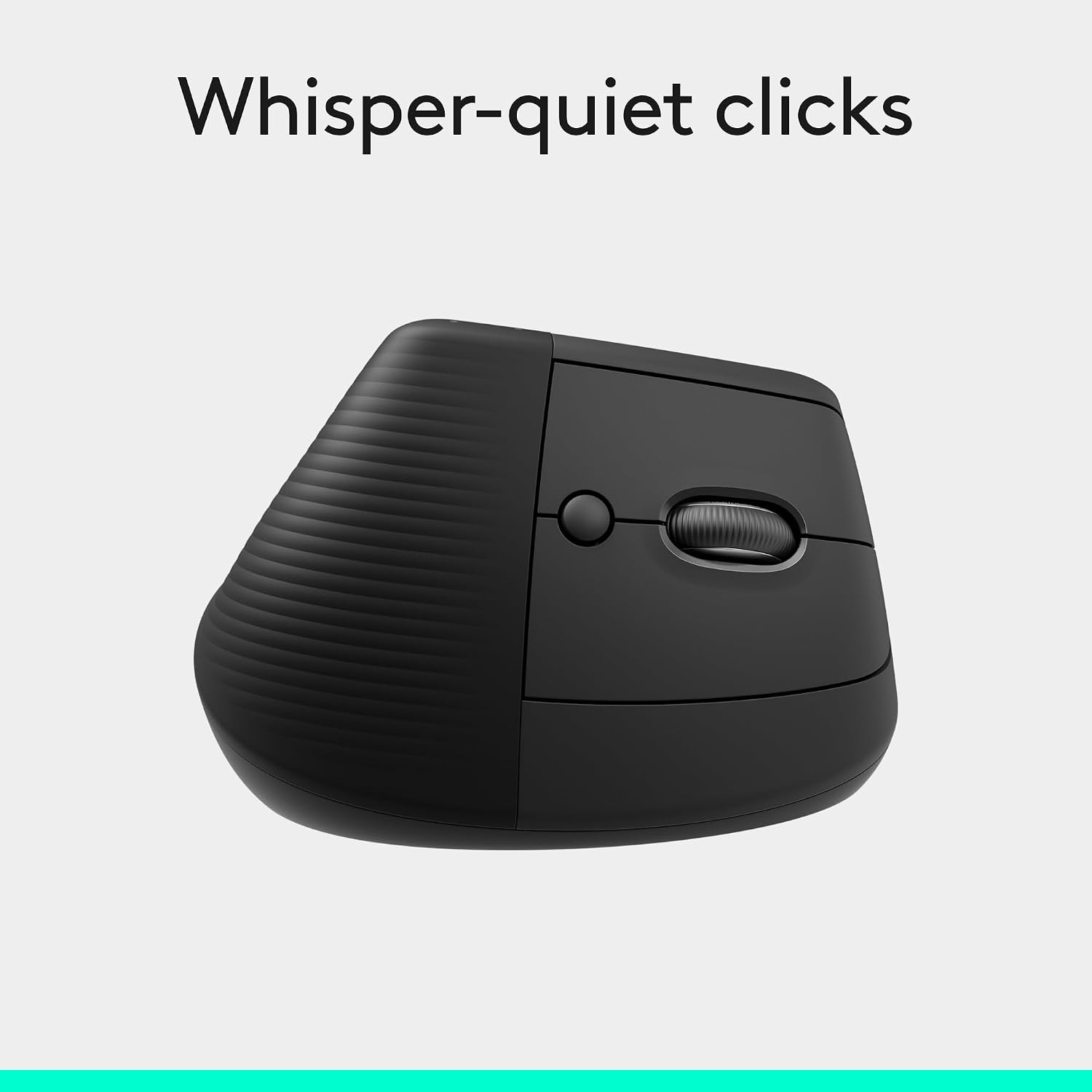
The SmartWheel supports controlled scrolling and faster movement through longer pages. Back and forward buttons reduce trips to browser controls. The getting-started guide also describes horizontal scrolling by holding a side button while turning the wheel, useful to investigate if wide spreadsheets are a regular task.
Easy-Switch stores connections for up to three devices, with the selection button underneath. Think about how often you change computers: lifting the mouse to switch is different from having a top-mounted button. Bluetooth can spare a laptop port, while Bolt provides another connection route.
Sources: Logitech Lift product and fit guidance, Logitech Lift getting-started guide.
Research: established interest, with software caveats
RTINGS originally reviewed Lift on May 17, 2022; the page inspected for this article showed a September 25, 2026 writing update. Its coverage supports established editorial interest, not a claim that this mouse is currently viral. We have not reproduced its test results or converted its conclusions into our own score.
Button customization and cross-computer Flow depend on Logitech software. Check the current Options+ download page against every computer involved, especially older Macs and managed work machines. Basic pointer compatibility and eligibility for the latest customization app are different questions. Older setup text still calls Options+ a beta; that wording should not guide a current purchase.
Our practical buying test is to list the tasks you actually need. If the answer is pointing, scrolling and occasional device switching, the fit may be the deciding factor. If the purchase depends on a specific macro or moving content between work and personal computers, confirm both software support and workplace policy first.
Sources: RTINGS Lift review, originally May 17, 2022, Current Logi Options+ download requirements, Logitech Lift getting-started guide.
Safety and care: comfort is personal
Take breaks and adjust your setup if discomfort develops. Do not force your grip to match a product photo. This review makes no claim that Lift prevents or treats carpal tunnel syndrome, repetitive-strain injury or another medical condition.
Logitech recommends switching devices off before cleaning and removing user-replaceable batteries. Use a soft, lightly dampened lint-free cloth; keep liquid out of openings and never immerse the mouse. Avoid bleach, strong solvents and abrasive cleaners. Keeping the grip clean is preferable to aggressively scrubbing a built-up stain.
Follow battery polarity markings and replacement directions. Keep the AA cell and small receiver away from young children. Store the receiver in its intended compartment when it is not needed rather than leaving it loose in a bag.
Sources: Logitech device cleaning guidance, Logitech Lift getting-started guide.
Buying: compare the complete setup
Choose Lift when its hand size and shape suit you, and when Bluetooth or the included Bolt receiver fits your equipment. If your computer only has USB-C, decide whether to use Bluetooth or an appropriate adapter before ordering. Do not expect a USB-C receiver in this box.
Compare the final price, seller, return window and delivery estimate for model 910-006466. Check whether you can install Options+ before paying extra for features that depend on it. We make no live-price or stock promise, and a historical shopping badge is not proof of current demand.
Sources: Amazon exact Graphite right-handed variant, Current Logi Options+ download requirements.
Related buying research
For a raised-laptop desk setup, compare the stand and separate keyboard or mouse requirements.
Questions: before switching your mouse
Is Lift rechargeable?
No. It uses a replaceable AA cell rather than USB charging.
Can a left-handed person use this version?
This specific variant is sculpted for the right hand. Choose Lift Left if you need the left-handed shape.
Does it need Options+?
The software unlocks customization and Flow. Check its current operating-system requirements separately from basic mouse pairing.
Will it fix wrist pain?
No medical outcome is established here. Fit, desk arrangement and individual comfort matter; persistent symptoms deserve appropriate professional advice.
Sources: Logitech Lift product and fit guidance, Logitech Lift getting-started guide, Current Logi Options+ download requirements.
Sources and limitations
Research checked October 11, 2026. We checked the exact product identity against the primary sources below. Published specifications and seller imagery are not independent performance tests.
Sources: Logitech Lift product and fit guidance, Logitech Lift getting-started guide, Amazon exact Graphite right-handed variant, Logitech device cleaning guidance, Current Logi Options+ download requirements, RTINGS Lift review, originally May 17, 2022.
Four genuine source images show the reviewed product and supplier demonstrations. Embedded performance claims are manufacturer statements, not results measured here; pictured food, hardware and accessories are included only when expressly listed. Public-use image licensing remains unverified. Image-use disclosure.
Is this a hands-on review?
No. We have not measured performance, handling or durability. Product-specific evidence limits appear in the Research section.
Are these affiliate links?
Purchases through our retailer links may earn a commission. Disclosure and reader-rating privacy.
Image sources and context
- The exact Graphite Lift model reviewed. Genuine product-listing image. Image provenance: m.media-amazon.com
- Manufacturer grip illustration; comfort language is promotional and individual fit varies. Image provenance: m.media-amazon.com
- Top-control illustration. Quiet-click wording is the manufacturer’s claim, not a sound measurement by us. Image provenance: m.media-amazon.com
- The AA battery and Bolt receiver are distinct from a charging cable or USB-C dongle. Image provenance: m.media-amazon.com